Homebrew Species & Classes
Last updated Oct 27, 2026
Homebrew Species
Create custom species (races) that your players can choose during character creation.
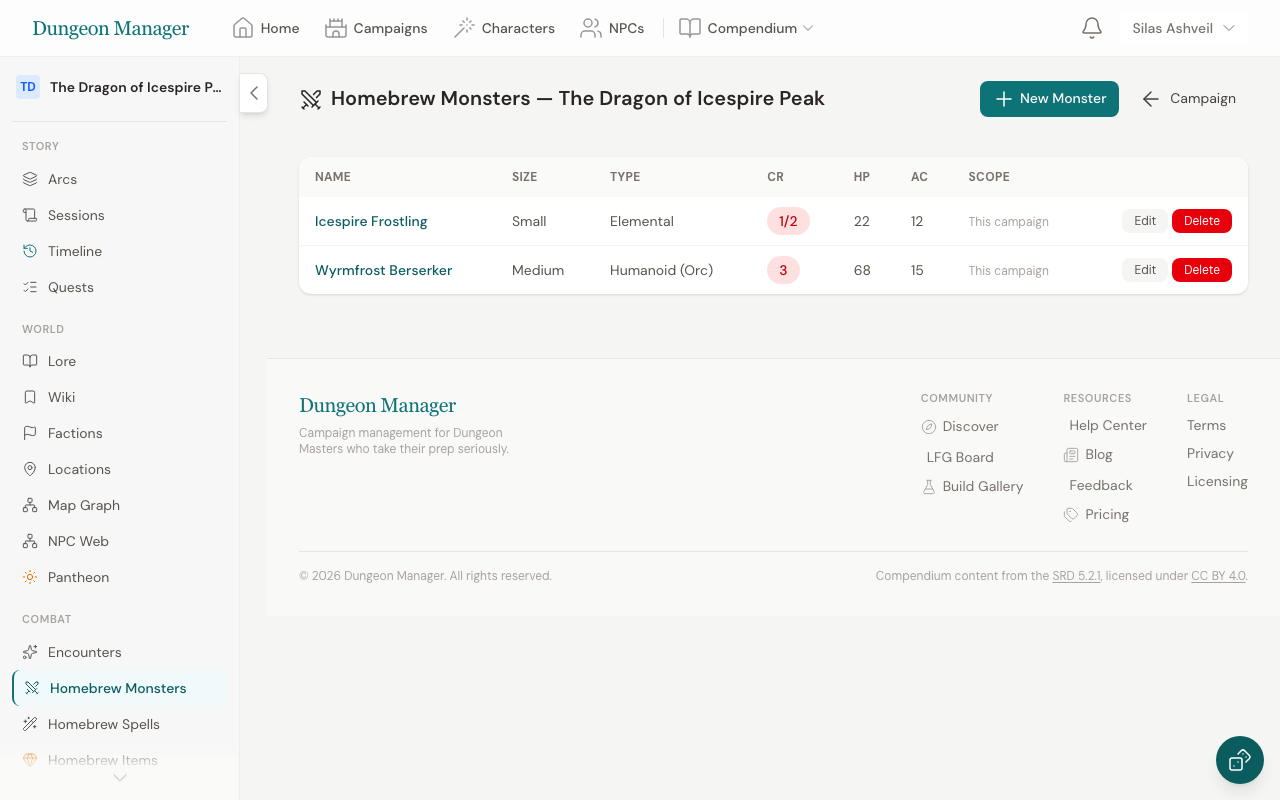
Creating a Species
- Go to your campaign → Homebrew → Species
- Click New Species
- Fill in:
- Name — your species name
- Size — Small, Medium, or Large
- Speed — base walking speed in feet
- Darkvision — darkvision range in feet (0 for none)
- Traits — add multiple traits with a name and description each (e.g., "Fey Ancestry: You have advantage on saving throws against being charmed")
- Ability Score Increases — select which ability scores get a +1 bonus
- Click Save
Sharing Across Campaigns
By default, a homebrew species is only available in the campaign where it was created. Check Use in all campaigns to make it available in the character wizard for any of your campaigns.
Homebrew Classes
Create custom classes that integrate with the character creation wizard.
Creating a Class
- Go to your campaign → Homebrew → Classes
- Click New Class
- Fill in:
- Name — your class name
- Hit Die — d6, d8, d10, or d12
- Primary Ability — the main ability score for this class
- Spellcasting Ability — if the class casts spells, which ability drives it (or none)
- Saving Throw Proficiencies — which two saves the class is proficient in
- Armor & Weapon Proficiencies — what the class can use
- Skill Choices — which skills the class can choose from, and how many
- Click Save
Homebrew Subclasses
Create custom archetype specializations following the 2024 SRD 5.2.1 framework:
- Go to your campaign → Homebrew → Subclasses
- Click Create Subclass or apply the SRD 5.2.1 Archetype Text Fill template
- Select the parent class and define features for levels 3, 6, 10, and 14
- Toggle Share with Community to share your archetype with other users
Homebrew Backgrounds
Create custom 2024 D&D backgrounds with ability score increase options, skill proficiencies, tool proficiencies, and origin feats:
- Go to your campaign → Homebrew → Backgrounds (or click + Create Homebrew Background in the Character Builder)
- Click New Background or apply an SRD 5.2.1 Archetype Text Fill template (Acolyte, Criminal, Sage, Soldier, or Custom)
- Fill in:
- Name — background name
- Description — lore or backstory summary
- Ability Score Increase Options — exactly 3 abilities (e.g. Strength, Dexterity, Constitution) for the +2/+1 or +1/+1/+1 distribution
- Skill Proficiencies — exactly 2 skills
- Tool Proficiency — tool proficiency granted by the background
- Origin Feat — choose an Origin category feat (e.g. Alert, Magic Initiate, Tough)
- Toggle Share with Community or Share across all campaigns as desired
- Click Save Background
Creating Homebrew In Character Builder
You can also create homebrew Species, Classes, Subclasses, Backgrounds, Magic Items, and Spells on the fly directly inside the Character Builder. Click the + Create Homebrew button on any selection step, apply SRD 5.2.1 archetype pre-fills, and save—your custom content is immediately selected on your new character!
Managing Homebrew
Edit or delete your homebrew from the campaign's Homebrew section or browse shared community homebrew under the Compendium → Community tab. Only the creator can modify homebrew content. Deleting a species or class doesn't affect characters already using it.
Was this article helpful?
Thanks for the feedback!